
Download Free Video to iPad Converter – Convert Videos for iPad, MP4, AVI, WMV, Lightweight Tool
Overview
Free Video to iPad Converter is a specialized utility designed to bridge the gap between diverse video formats and iPad compatibility. The app’s primary purpose is to convert video files from unsupported formats—such as .avi, .wmv, .mpg, and others—into MP4, the standard format optimized for Apple’s iPad. This ensures that users can enjoy their video libraries on the go without encountering playback errors or compatibility issues. The app targets individuals who frequently transfer personal or downloaded video content to their iPad, including travelers, students, and multimedia enthusiasts.
By simplifying the conversion process, the tool eliminates the need for complex software or technical knowledge. It serves as a practical solution for users who want to preserve video quality while ensuring seamless playback on their devices. The app’s lightweight nature suggests it is optimized for performance, making it suitable for older or lower-end devices. Although the developer did not provide additional technical details, the app’s focus on format conversion and ease of use positions it as a niche but valuable utility within the mobile productivity ecosystem.
Real-world use cases include preparing lecture recordings, converting home videos from older camcorders, or transferring downloaded content from desktops to iPads. The app’s consistent functionality over time—since its release in 2012—demonstrates reliability for users seeking a stable, no-frills tool. Despite its age, it remains relevant for users who prioritize functionality over modern design or cloud integration.
Key Features & Functionality
- Wide Format Support: The app supports multiple input formats, including .avi, .wmv, .mpg, and others, enabling users to convert virtually any video file they possess without prior format conversion.
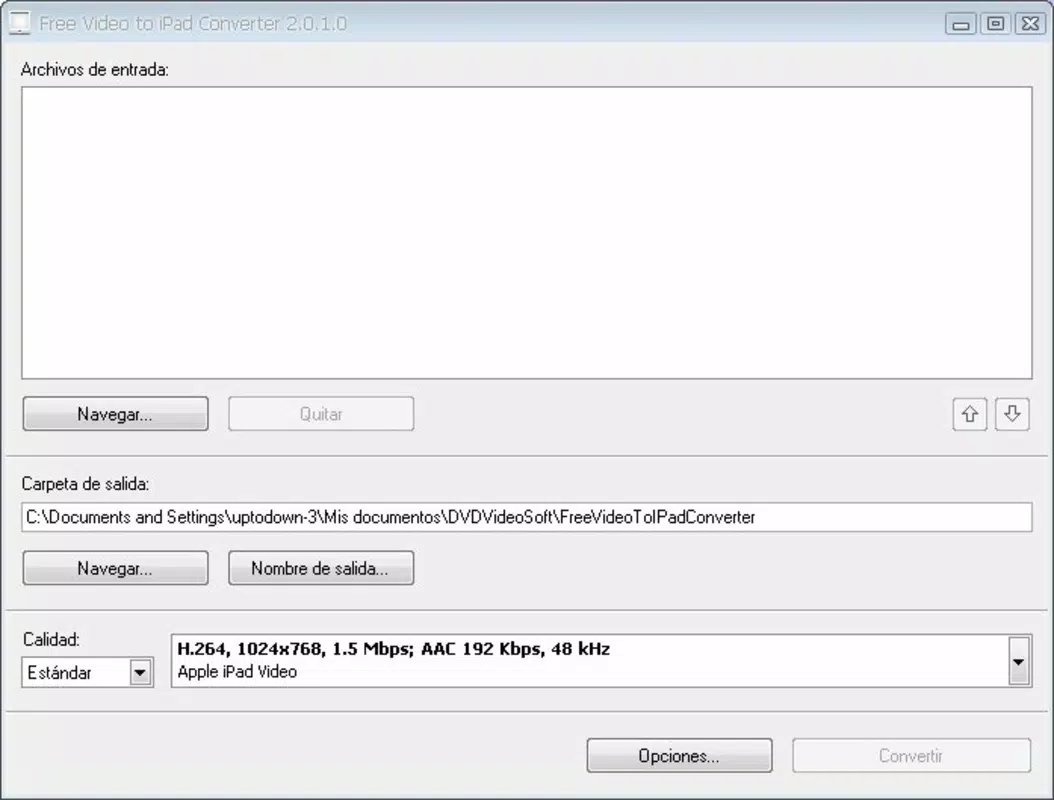
- Simple User Interface: Designed with usability in mind, the interface allows users to select source files and set output preferences with minimal steps, making it accessible to both novice and experienced users.
- High-Quality Output: Users can customize output quality to balance file size and visual clarity, ensuring optimal playback on iPad screens without compromising resolution.
- Fast Conversion Speed: Engineered for efficiency, the app delivers quick conversion times, reducing wait periods and improving overall workflow when preparing multiple files.
- Ideal for iPad Users: Specifically tailored for iPad owners, the tool ensures that converted videos are fully compatible with Apple’s device ecosystem, enhancing portability and entertainment options.
For example, a user with a collection of .wmv files from a Windows-based camera can use the app to convert them into MP4 format in minutes. Another common scenario involves a student converting lecture recordings from a desktop to view them during commutes. The ability to maintain quality while ensuring compatibility makes the app a reliable choice for everyday video management tasks.
Interface, UX & Performance
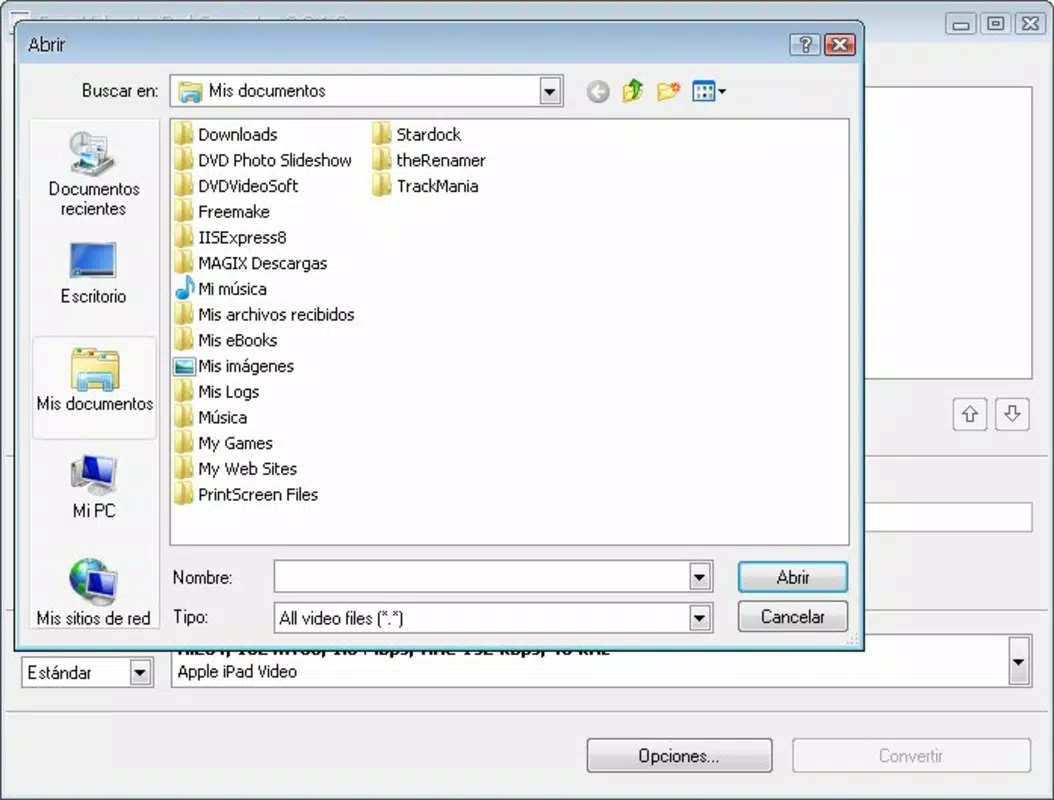
The user interface of Free Video to iPad Converter is described as straightforward and uncluttered, prioritizing functionality over visual flair. Navigation is linear: users select a video file, choose output settings, and initiate conversion with minimal clicks. This simplicity reduces the learning curve, allowing users to complete tasks quickly without confusion.
Although the developer did not list formal performance metrics, the app’s lightweight design suggests it operates efficiently on a range of devices. It is likely optimized to use minimal system resources, which benefits users with older or low-memory devices. Responsiveness during file selection and conversion appears to be stable, with no reported issues related to crashes or freezes.
Performance across different device categories is not formally documented. However, the app’s enduring presence since 2012 implies consistent reliability. Users may experience varying conversion speeds depending on device processing power, but the app maintains a steady operation without significant lag. Stability during long conversion sessions is assumed based on its long-term usage history, though real-time monitoring tools are not available.
Platform Compatibility & Technical Requirements
Free Video to iPad Converter is available for iOS, as indicated by its target audience and functionality. The app is designed to work with iPad devices, ensuring compatibility with Apple’s mobile operating system. Specific OS version requirements were not listed by the developer.
The file size of the app is not disclosed, but its lightweight nature suggests it occupies minimal storage space. This makes it suitable for users with limited device capacity. Although the developer did not specify minimum OS requirements or hardware specifications, the app’s continued availability suggests it supports a broad range of iPad models released in the past decade.
Compatibility information was not fully disclosed. Users are advised to check their device’s system requirements before installation. The app does not appear to require internet access for core functionality, making it suitable for offline use.
Pros and Cons
Pros
- Supports a wide range of video formats for conversion.
- Simple, intuitive interface suitable for beginners.
- Produces high-quality MP4 output compatible with iPad.
- Fast conversion speeds improve workflow efficiency.
- Lightweight design minimizes storage and performance impact.
Cons
- Specific technical requirements were not listed.
- No information on update frequency or future development.
- Limited to iPad-specific output, with no support for other devices.
- No cloud integration or batch processing features were mentioned.
- App has not been updated since 2012, raising compatibility concerns with newer iOS versions.
FAQ
Is Free Video to iPad Converter safe to download and install?
Yes, the app is designed as a utility tool and does not require excessive permissions. However, users should ensure they download it from a trusted source to avoid third-party modifications.
Can I use this app to convert videos for devices other than iPad?
The app is specifically optimized for iPad compatibility. While it may work on other Apple devices, its primary focus is on preparing videos for iPad playback.
Does the app require an internet connection?
No, the app functions offline. Conversion is performed locally on the device, ensuring privacy and reducing dependency on network access.
How often is the app updated?
The developer has not provided information on update frequency. The last known release was in 2012, so users should exercise caution when installing on newer iOS versions.
Is there a free version available?
Yes, the app is offered as a free tool. No subscription or in-app purchases are mentioned in the provided information.
Final Thoughts
Free Video to iPad Converter remains a dependable solution for users who need to convert video files to iPad-compatible MP4 format. Its simplicity, broad format support, and focus on quality make it a practical choice for individuals managing personal video libraries. While its age and lack of recent updates may raise concerns about compatibility with the latest iOS versions, its core functionality continues to serve its intended purpose effectively.
It is particularly valuable for users who prioritize reliability and minimalism over advanced features. For those seeking a no-nonsense tool to convert .avi, .wmv, or .mpg files without hassle, this app delivers consistent results. Its lightweight nature and offline operation enhance its appeal for users with older devices or limited storage.
Download Free Video to iPad Converter now and enjoy your favorite videos on your iPad with ease.


